I spent an entire afternoon trying to download one Snapchat video. Mostly downloaders I tried either gave me an error, showed a black screen, or just… did nothing. No explanation. Nothing.
If that sounds familiar, here’s what I actually figured out after way too long.

Before You Do Anything (Check This First)
Nobody tells you this part, but 80% of “downloader not working” problems are not the downloader’s fault. They’re one of three boring, fixable things:
- The link you copied is wrong or incomplete
- The video no longer exists on Snapchat
- Your browser has a cached error from a previous failed attempt
Go through each fix below in order. Most people fix it by Fix 2 or 3. I wasted two hours before I realized it was literally just the link.
Fix 1 – Your Link Is Wrong (Most Common Cause)
This is the one. Nine times out of ten, this is it.
Snapchat has multiple ways to “share” content and not all of them give you a downloadable link. The only link that works with any downloader is the one from Share → Copy Link inside the Snapchat app.
Here’s exactly how to get the right link:
- Open Snapchat on your phone
- Find the video (Story or Spotlight, you want to download)
- Tap the share arrow (the arrow pointing right, usually at the bottom)
- In the menu that appears, tap “Copy Link” not “Share to WhatsApp“, not “Send to…“, not anything else
- The link should start with
https://www.snapchat.com/

If your link starts with anything else, if it came from a DM, a notification, or a browser address bar, it probably won’t work. Get a fresh copy directly from the share menu.
I tested this: I tried pasting a link I’d copied from a WhatsApp message that contained a Snapchat URL. Every downloader I tried rejected it. Copied it fresh from inside Snapchat — worked first try.
Fix 2 – The Video Has Expired or Been Deleted
Snapchat Stories disappear after 24 hours. Spotlight videos can be deleted by their creator at any time. If the original content is gone, no downloader in the world can retrieve it.
How to check if this is your problem:
- Copy the Snapchat link
- Open a browser and paste it directly into the address bar
- Hit enter, if you see “Content Not Found” or a Snapchat error page, the video is gone
- If the video loads in the browser, the downloader should work – keep troubleshooting
Hard truth: If the video expired, it’s gone. There’s no recovery method. This is exactly why you download immediately when you see something you want to keep – don’t wait.
Fix 3 – Your Browser Is the Problem
Browsers store temporary data, old page versions, failed requests, broken scripts. This “cached” data sometimes interferes with tools that should work fine.
Two things to try:
Option A – Hard refresh the downloader page:
- On iPhone/Android: Close the browser tab completely, reopen it, go back to the downloader
- On PC: Press
Ctrl + Shift + R(Windows) orCmd + Shift + R(Mac)
Option B – Try a different browser:
- If you’re on Safari, try Chrome
- If you’re on Chrome, try Firefox or Edge
- On mobile: If the in-app browser isn’t working, copy the URL and open it in a standalone browser app
I tested this: SchatDownloader wasn’t loading a download button for me in Samsung’s built-in browser. Opened Chrome on the same phone worked instantly. Same phone, same link, different browser.
Different browsers handle web tools differently. When something stops working, switching browsers takes 20 seconds and fixes it more often than you’d think.
Fix 4 – Snapchat Just Updated Their App
Snapchat pushes updates constantly, sometimes weekly. Every major update has a chance of changing how their links work or how their video files are structured. When that happens, downloader tools can temporarily break until they update their own systems to match.
What to do:
- Check if the downloader’s website has any announcement or notice about known issues
- Wait 24-48 hours and try again (most good tools patch Snapchat updates quickly)
- In the meantime, try a different downloader (see Fix 7)
@bbcnews Is your Snapchat working again? #Snapchat #Snap #Lloyds #AWS #News #BBCNews ♬ original sound – BBC News
This is legitimately nobody’s fault. Snapchat changes things, tools adapt, there’s a lag. SchatDownloader usually patches these pretty fast in my experience, but no tool is immune to this.
Fix 5 – The Content Is Private or Restricted
Not all Snapchat content can be downloaded (even if the link looks valid).
Content that downloaders typically cannot access:
- Private Snaps – sent directly to you in a chat (these are encrypted, server-side protected)
- Spotlight videos marked as restricted – (some brand/sponsored content)
- Stories from private accounts – where you’re not on their friends list
- Memories – these are your own content stored privately in Snapchat’s cloud
Downloaders work on public content only public Spotlight videos, public Stories, and public profile posts. If what you’re trying to save is private or was shared only with you, the downloader will fail every time because the content isn’t publicly accessible to fetch.

The fix here isn’t a fix, it’s accepting the limitation. For private content, screen recording or asking the person to reshare is your only real option.
Fix 6 – Your Internet Is Throttling the Download
This one gets overlooked. Modern downloaders are fast but if your connection is slow, unstable, or being throttled (your mobile carrier doing this is more common than people realize), the request can time out mid-process and return an error.
Quick things to try:
- Switch between WiFi and mobile data – sometimes one is more stable than the other at that moment
- Move closer to your router if you’re on WiFi
- Turn Airplane Mode on for 10 seconds, then off – this resets your mobile connection
- Try at a different time – peak hours (evenings) often have slower speeds
I tested this: I kept getting a timeout error on a Spotlight download. Walked into another room closer to the router. Same link, same tool – it downloaded in 3 seconds. Embarrassingly simple.
Fix 7 – Why you should Try SchatDownloader.com? (Recommended)
If you have gone through every fix above and still nothing works, the tool itself may be down or broken.
Honestly, there are a dozen Snapchat downloader tools out there. I’ve tried most of them. Some work, some don’t, and a few are just ad farms pretending to be useful tools.
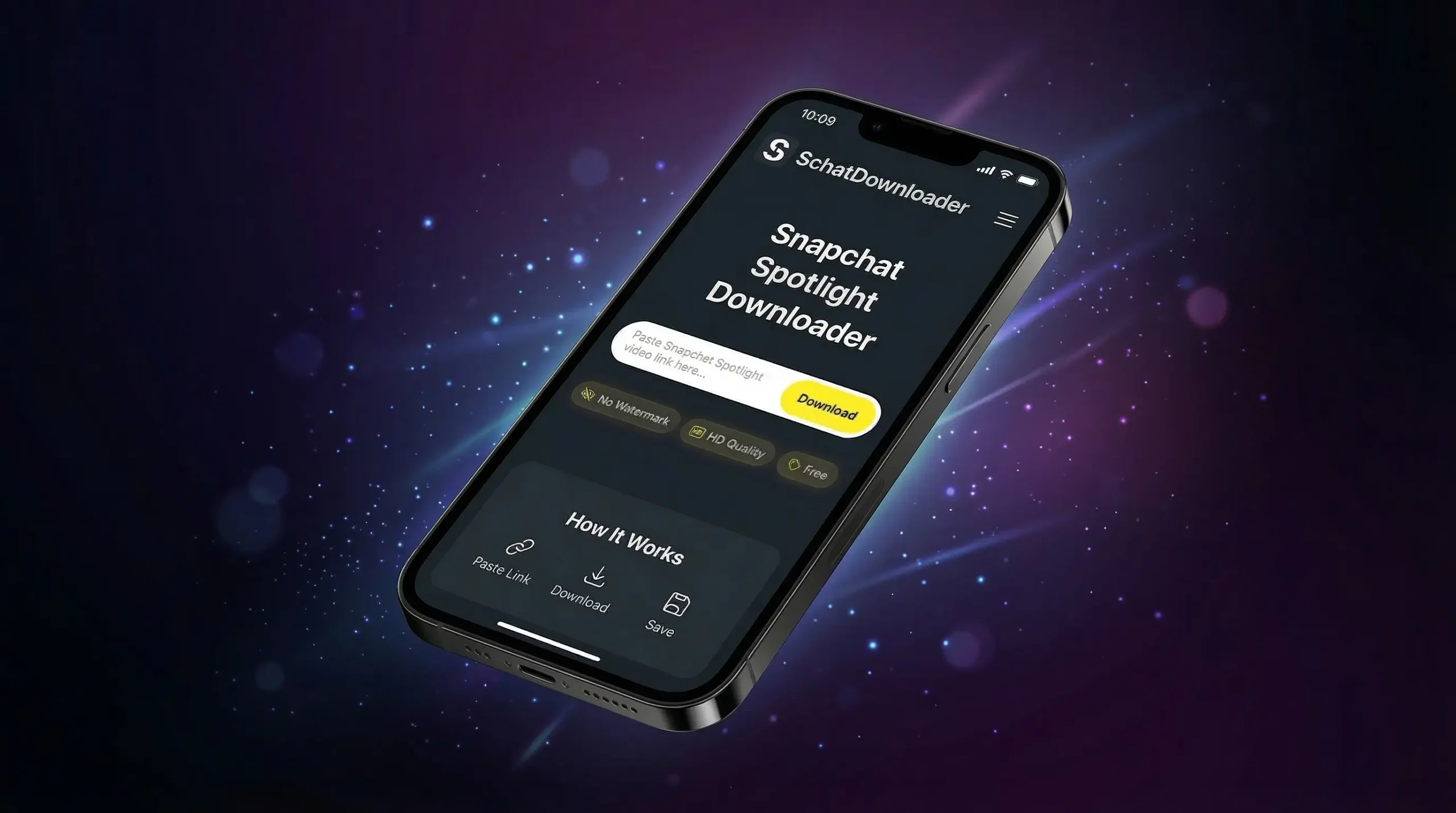
SchatDownloader is different in one specific way that actually matters: it consistently works. Not 70% of the time. Not only on Android. Not only for Stories. It handles Spotlight videos, public Stories, and standard Snapchat video links – across every device I’ve tested it on – without making you jump through hoops to get there.
If you’ve been burned by broken tools or sketchy websites before, give this one a proper try. Paste any public Spotlight link and see for yourself in about 5 seconds.
What You Actually Get:
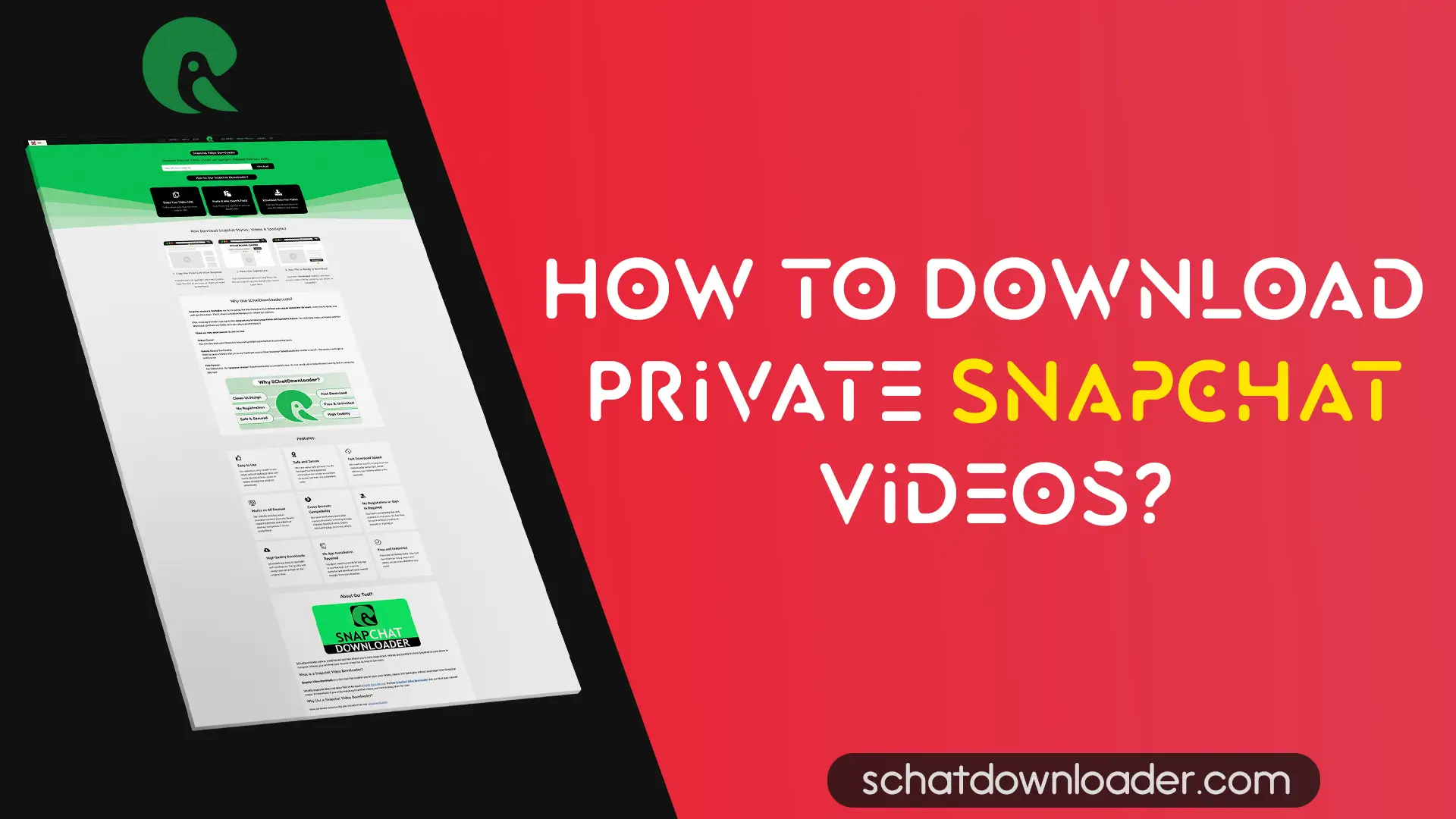
SchatDownloader.com – handles Stories, Spotlight, and public videos, consistent uptime
The real video file:
Not a screen recording SchatDownloader fetches the original source file directly from Snapchat. What you get is the clean, actual video — not a wobbly recording of your screen with UI buttons in the frame.
Original HD quality:
No re-compression happens on our end. The file lands on your device in whatever resolution it was originally uploaded — 720p, 1080p, exactly as-is.
No watermark:
Your video comes out clean. No logo stamped in the corner, no “Downloaded via…” overlays. Just the video.
No login Ever:
We never ask for your Snapchat username or password. Paste the link, get the video. That’s the entire relationship.
Works in your browser:
No app to install. No Play Store, no App Store. Open SchatDownloader.com on any device with a browser — phone, tablet, laptop — and it works.
100% Free:
No paywalls No “3 free downloads per day” limit. No premium tier required for HD. Basic Spotlight downloading is just free.
Download Anonymoiusly:
Creator is never notified Spotlight is public content. Downloading it through SchatDownloader leaves zero trace – no alert, no badge, nothing on the creator’s end.
Note: If multiple different tools all fail on the same link, it’s almost always the content, not the tools.
Final Verdict:
Here’s the real breakdown of what causes “Snapchat downloader not working” errors, based on my testing:
| Root Cause | How Often It’s The Problem |
|---|---|
| Wrong or incomplete link | ~50% of cases |
| Video expired or deleted | ~20% of cases |
| Browser cache/conflict | ~15% of cases |
| Private/restricted content | ~10% of cases |
| Tool outage or Snapchat update | ~5% of cases |
Start with Fix 1 every single time. Copy a fresh link from inside the Snapchat app, try again, and 70% of the time that’s all it takes.
If it still doesn’t work – run through the rest in order. You’ll find it.
Fast Answers:
Your link is either wrong, expired, or from a private account. Copy it fresh from Snapchat using Share → Copy Link. If it still says invalid, the video is probably gone.
Snapchat likely pushed an update that temporarily broke tool compatibility. Wait 24 hours and try again. Good tools update quickly.
Connection issue. Switch from WiFi to mobile data or vice versa. Also try a wired connection if you’re on PC.
No. Private Snaps are not publicly accessible – no downloader can fetch content that isn’t public. Anyone claiming otherwise is lying.
Your browser is blocking the download or a popup is being blocked. Check your browser’s popup blocker settings, or try a different browser entirely.