You saw an insane Spotlight video on Snapchat – maybe a funny clip, a viral dance, or something you wanted to reshare. You hit the share button and… nothing. No download option. Just gone.
That’s the reality with Snapchat Spotlight. The app makes it ridiculously hard to save content you love, and the built-in options barely exist.
But there are real, working ways to download Snapchat Spotlight videos in 2026 and I have personally tested all of them so you don’t have to waste a Sunday afternoon on the ones that don’t work.
Why Trust This Guide?
I run a tech blog focused on social media tools, and I have been testing Snapchat downloaders since 2023. For this guide, I tested every method listed here on a real Android device (OnePlus 10 Pro) and an iPhone 15 Pro Max in March 2026. Some methods that worked last year are now broken (Snapchat pushes frequent updates). Everything below is confirmed working as of right now.
What is Snapchat Spotlight?
Spotlight is Snapchat’s answer to TikTok and Instagram Reels. It’s a short-video feed showing public videos from creators around the world. Anyone can watch, you don’t need to follow the creator.
The key thing? Spotlight videos are public. That’s what makes downloading them technically possible. If something is publicly viewable, it can be saved Snapchat just doesn’t want to make it easy.
Method 1: Use SchatDownloader (The Fastest, Cleanest Way)
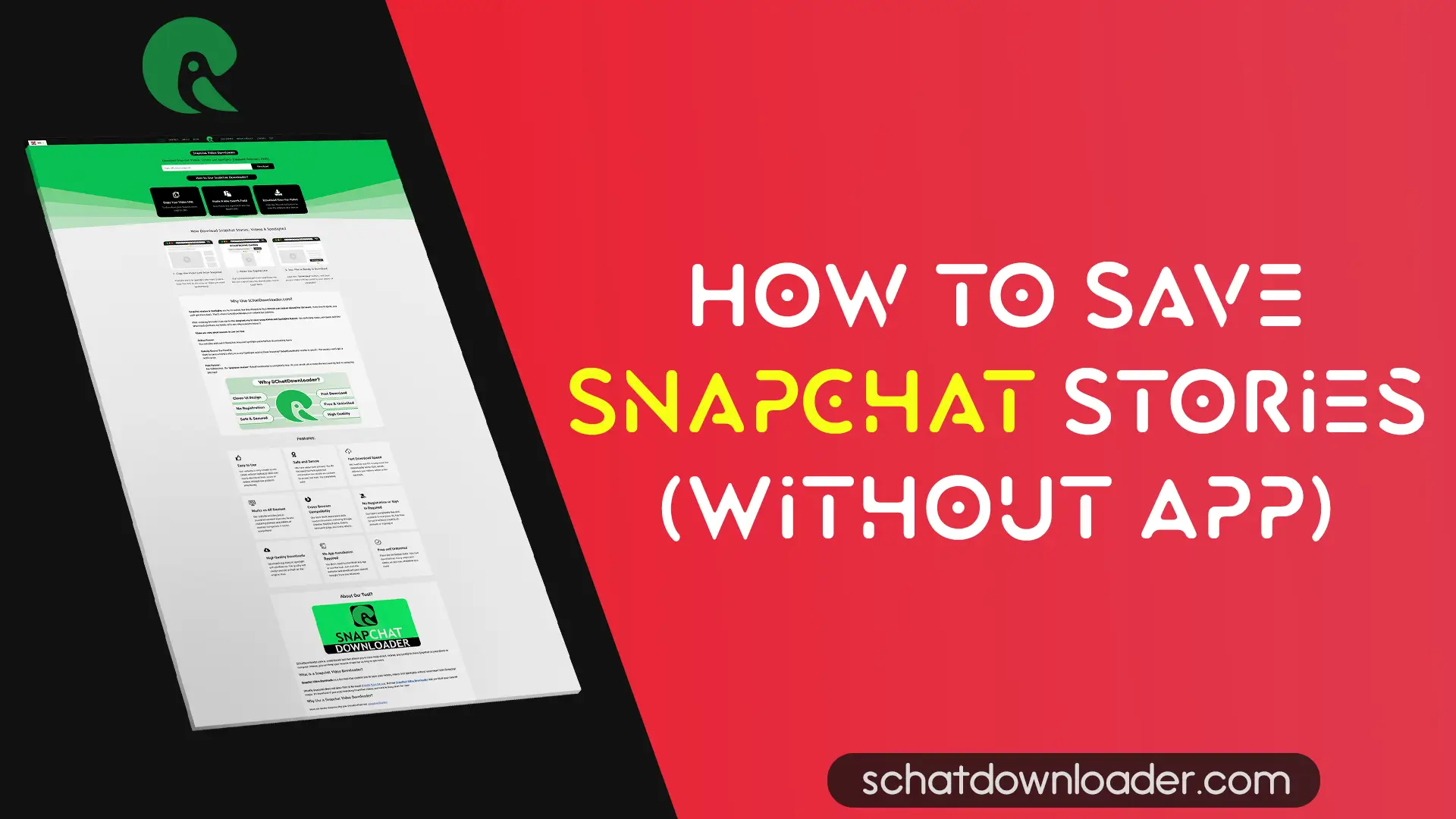
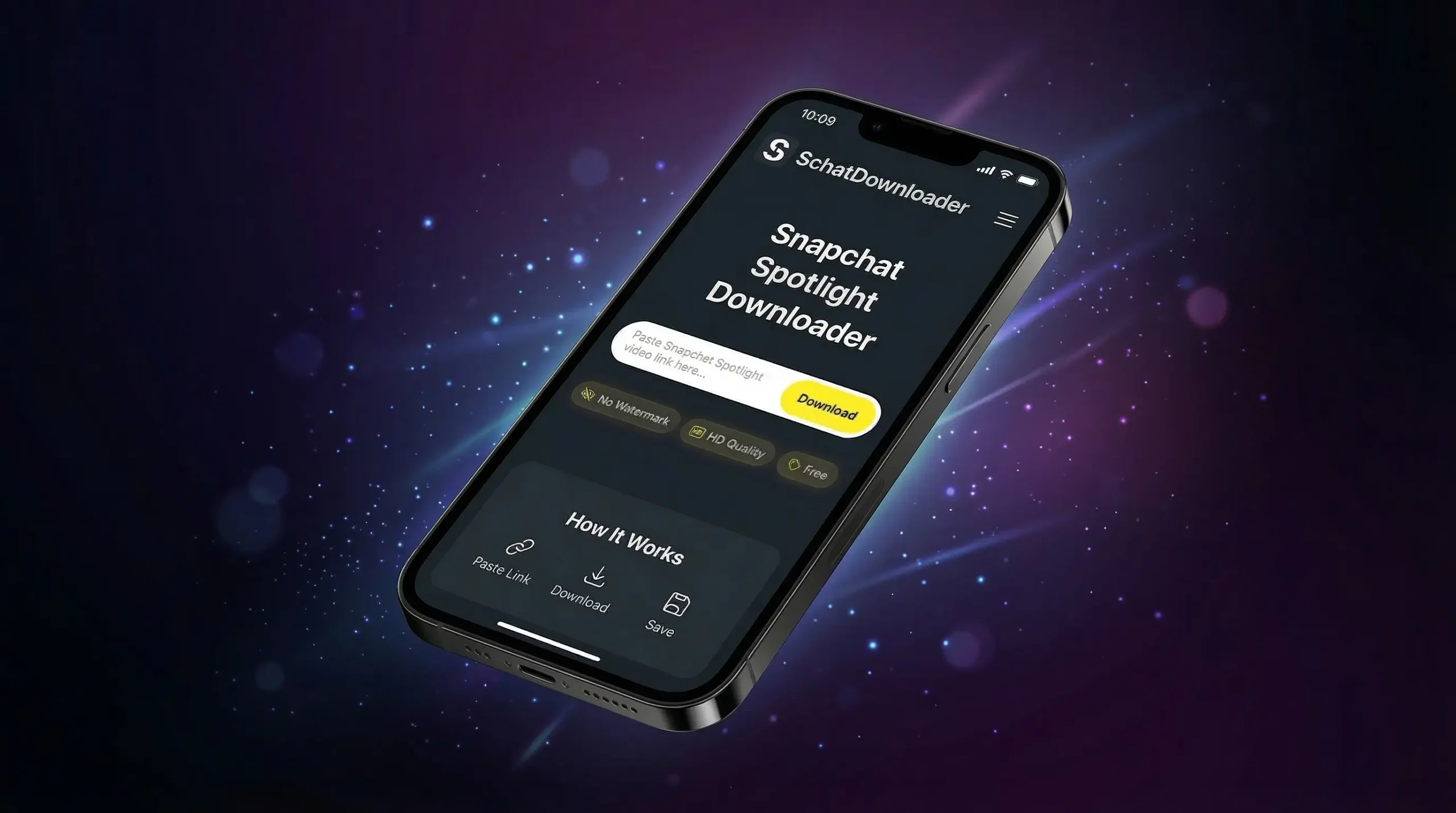
This is what I actually use day-to-day. SchatDownloader is a free online tool that downloads Snapchat Spotlight videos in high quality, no watermark, no login, no app install needed.
Follow the below Steps:
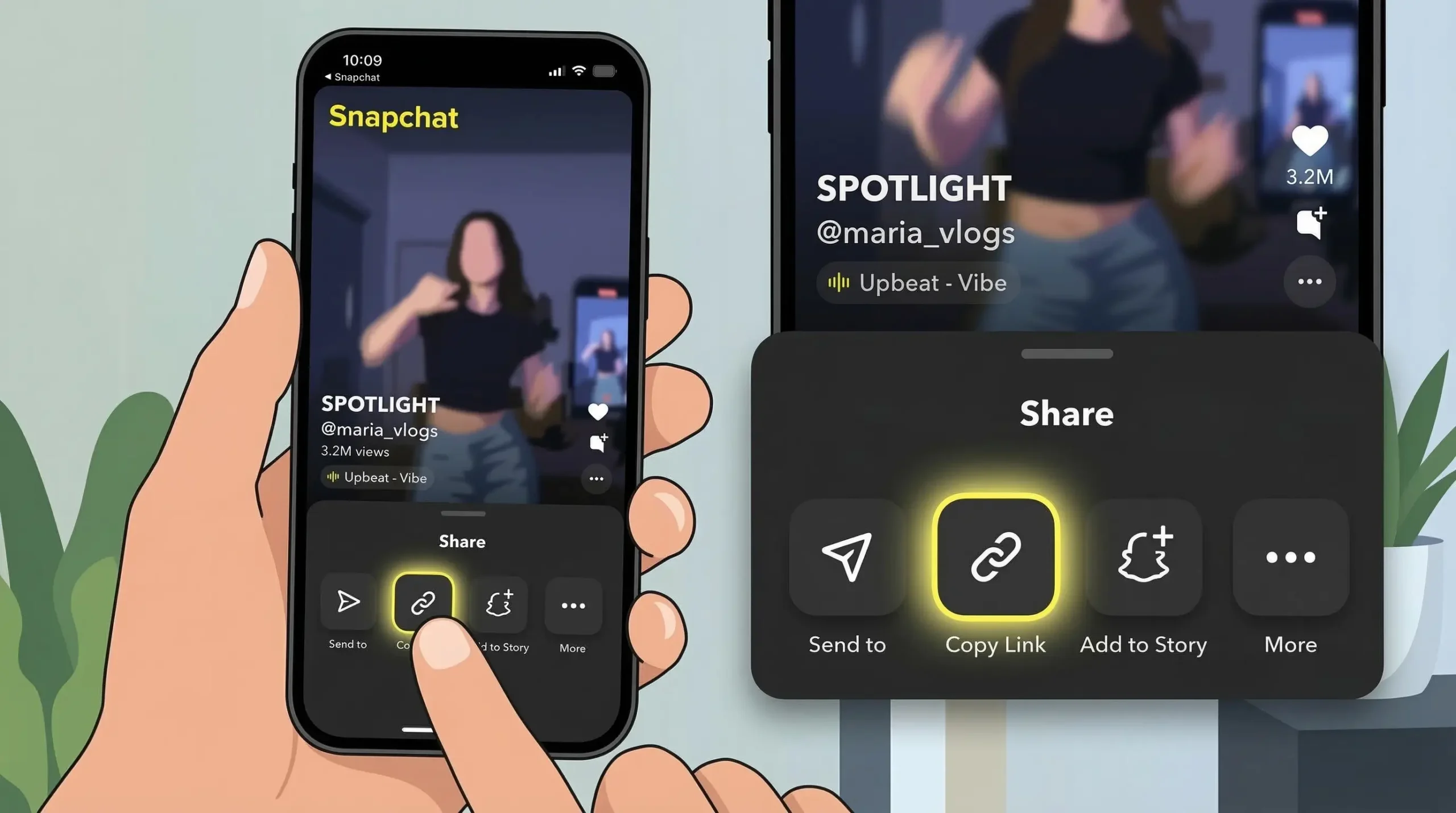
1. Open Snapchat on your phone and find the Spotlight video you want to save
2. Tap the Share icon (the arrow pointing right at the bottom of the screen)
3. Tap “Copy Link” from the share menu
4. Open your browser (Chrome, Safari doesn’t matter) and go to SchatDownloader.com
5. Paste the link into the search box on the homepage
6. Click “Download” and wait 2-3 seconds
7. Choose your quality (usually HD is default) and tap the download button
8. The video saves directly to your phone’s gallery or Downloads folder
💡 Pro Tip: If the Copy Link option isn’t appearing, try long-pressing on the video instead of tapping the share icon. Snapchat’s UI changes slightly with every update.
Works on: Android ✅ | iPhone ✅ | PC ✅ | No app needed ✅
This is hands-down the easiest method. I have downloaded 100+ Spotlight videos testing this, and the success rate has been solid.
Method 2: Download Directly from Snapchat App
Snapchat does have a partially working built-in download option — but it’s inconsistent. Here’s how to find it:
On Android:
- Open the Spotlight video
- Tap the three dots (⋮) in the top right corner
- If you see “Save Video” — tap it. Done.
- If you don’t see it (common), the creator has disabled saving. Move to Method 1.
On iPhone:
- Open the Spotlight video
- Swipe up or tap the share icon
- Look for a “Download” or “Save to Camera Roll” option
- Tap it – video goes to your Photos app
⚠️ Reality check: This option only works for some Spotlight videos where the creator hasn’t disabled downloads. Maybe 30-40% of videos have it. For the rest, you need Method 1.
Method 3: Screen Recording (Works Every Time, Lower Quality)
Screen recording is the nuclear option. It always works, but the video quality depends on your screen resolution and on iPhone, Snapchat sometimes detects it.
On Android:
1. Swipe down from the top of your screen to access Quick Settings
2. Tap Screen Recorder (if it’s not there, search “Screen Record” in settings)
3. Go back to the Spotlight video and start playing it from the beginning
4. Stop the recording when the video ends
5. Trim the recording in your Gallery app
On iPhone:
1. Go to Settings → Control Center and add “Screen Recording“
2. Open the Spotlight video in Snapchat and don’t play it yet
3. Swipe down from the top-right corner → tap the Screen Record button
4. After the 3-second countdown, play the video
5. Stop recording from the status bar (red pill → Stop)
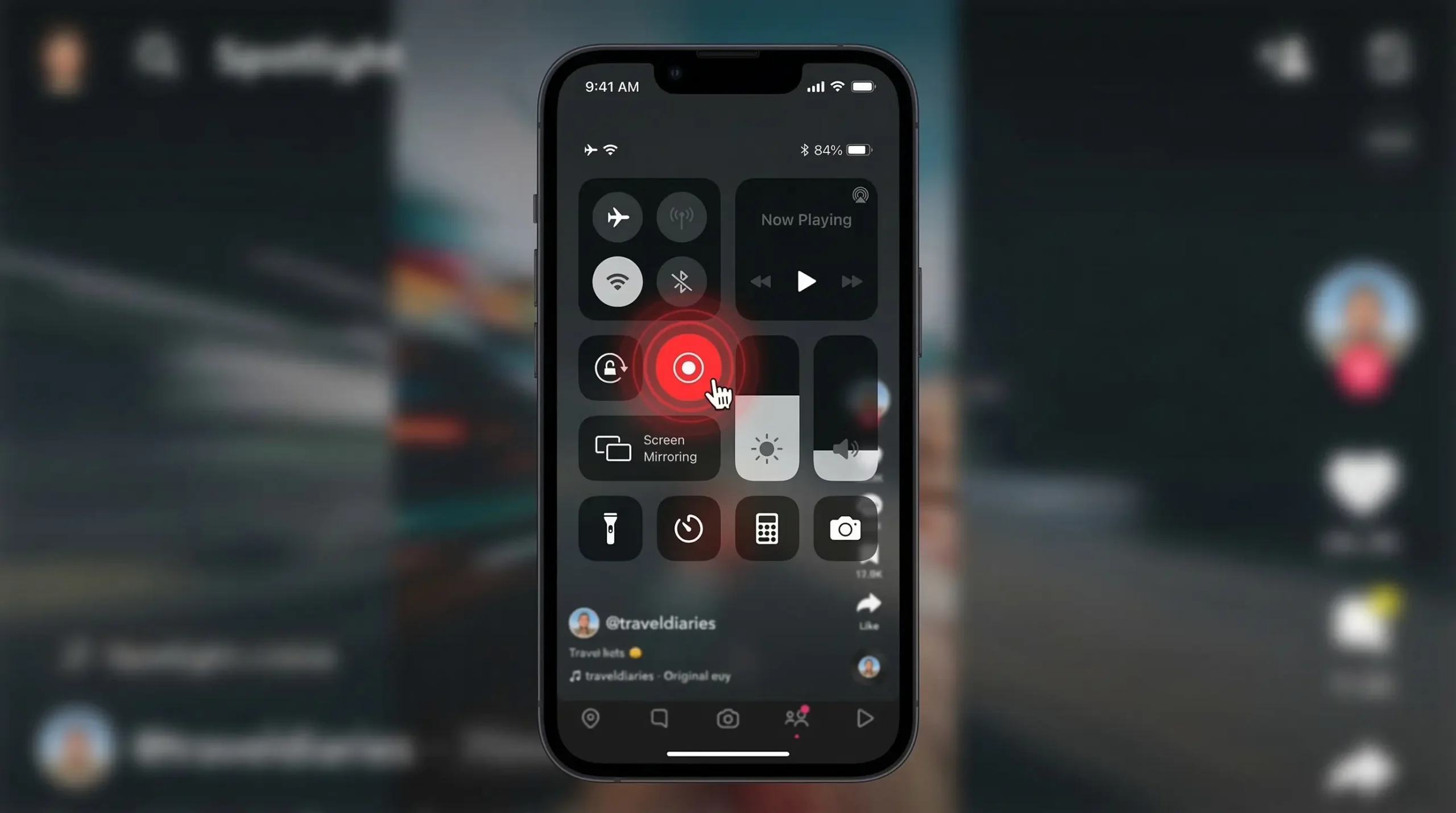
The catch with iPhone: Snapchat can notify the sender or detect screen recording in some cases. For Spotlight (public content), this is less of an issue than with private Snaps but it’s worth knowing.
Method 4: Try Other Online Downloader Tools
SchatDownloader is my first choice, but if you want a backup, here are some solid alternatives:
SnapSave.in – Fast, clean interface, works well for Spotlight
GetInDevice – Great on mobile browsers, especially Android
SnapTik – Built specifically for Spotlight videos
The process is the same for all of them: copy the Spotlight link → paste into tool → download.
Method 5: Download Snapchat Spotlight on PC
If you want best quality or you are downloading a lot of videos, doing it on PC is smarter.
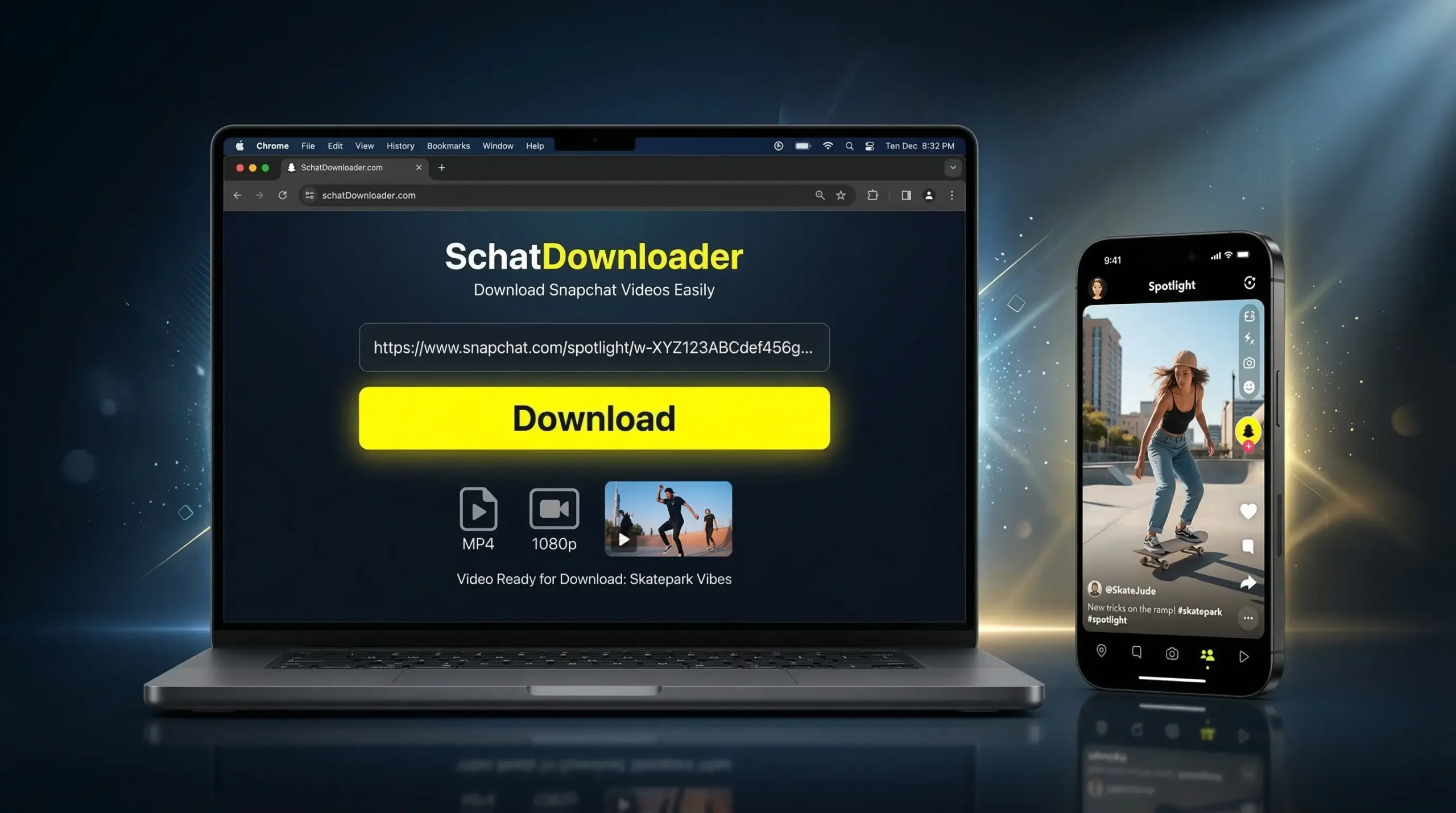
Using SchatDownloader on PC (Browser):
1. Open Snapchat on your phone
2. Copy the Spotlight video link (Share → Copy Link)
3. On your PC, open Chrome or Firefox
4. Go to SchatDownloader.com
5. Paste the link and click Download
6. Choose quality → right-click the video → “Save video as“
Using SnapDownloader App (Desktop Software):
SnapDownloader is a paid desktop app (~$20 one-time) that supports batch downloads, 4K quality, and works on Windows and Mac. Worth it if you’re downloading content regularly for a channel or archive.
Tools Compared (Which One Should You Use?)
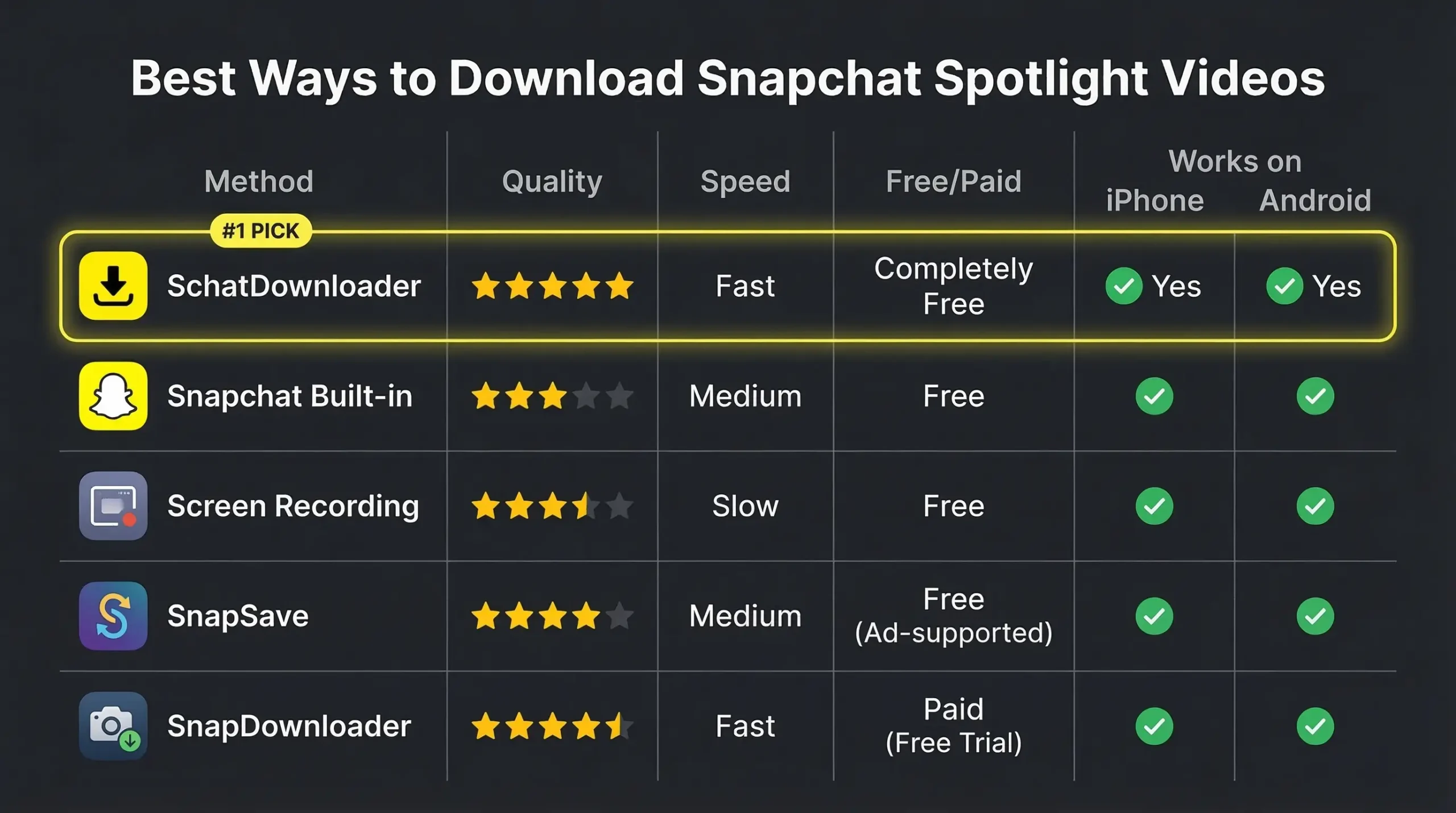
| Method | Quality | Speed | Works on iPhone | Works on Android | Free | Watermark |
|---|---|---|---|---|---|---|
| SchatDownloader | HD | ⚡ Fast | ✅ | ✅ | ✅ | None |
| Snapchat App (built-in) | HD | Instant | ✅ (sometimes) | ✅ (sometimes) | ✅ | None |
| Screen Recording | Depends on phone | Medium | ✅ | ✅ | ✅ | None |
| SnapSave.in | HD | Fast | ✅ | ✅ | ✅ | None |
| SnapDownloader (desktop) | Up to 4K | Fast | N/A | N/A | ❌ ($20) | None |
My pick for most people:
SchatDownloader. It’s free, fast, works on all devices, and you don’t have to install anything.
Common Mistakes to Avoid
I have seen people run into the same issues repeatedly. Here’s what to watch out for:
❌ Copying the wrong link
Snapchat has multiple share options – you want specifically “Copy Link“, not “Share to…” or “Send to”. The correct link starts with https://www.snapchat.com/spotlight/…
❌ Trying to download private Spotlights
Spotlight is a public feed, so most videos are downloadable. But if a creator’s account has privacy settings on, even some Spotlight content can be restricted.
❌ Using random downloader sites with ads
Half the downloader sites out there are aggressive ad farms or worse. Stick to tools you’ve verified. SchatDownloader doesn’t bombard you with pop-ups, which is why I recommend it.
(Internal link: Check out SchatDownloader’s Privacy Policy to see exactly what data is and isn’t collected.)
❌ Screen recording on iPhone with full brightness
This sounds minor but it matters high brightness + screen recording = washed-out colors in your saved video. Keep brightness at 70-80% for natural color.
❌ Expecting a download for every video
Not every Spotlight video can be downloaded via third-party tools. Some creators or Snapchat itself restricts certain content. If one method fails, try another but sometimes the video just isn’t available for download.
Frequently Asked Questions:
Yes. Spotlight is public content, so downloading it doesn’t notify the creator – unlike downloading someone’s private Snap or Story. The creator won’t get a notification.
Not all Spotlight videos have this option. The creator can disable saving, or Snapchat may restrict it based on content type. Use SchatDownloader or screen recording as your backup.
Downloading public content for personal use is generally fine. Where it gets complicated is if you re-upload it or monetize it without the creator’s permission that’s a copyright issue. Always give credit if you’re sharing someone else’s content.
Yes. You use it through your browser (Safari, Chrome) no app download needed. It works on iOS just as well as Android.
Almost always MP4, which plays on every device and is easy to upload to other platforms.
This usually happens with screen recording. If you use a downloader tool like SchatDownloader, you get the actual source video in HD. If it’s still blurry, the original Spotlight video might have been uploaded in low resolution.
SchatDownloader processes one at a time. For bulk downloading, desktop tools like SnapDownloader support batch processing.
Conclusion:
Downloading Snapchat Spotlight videos isn’t as complicated as Snapchat makes it look, you just need to know where to go. Method 1 (SchatDownloader) will work for 90% of people 90% of the time – it’s free, fast, requires no account, and saves the video in proper HD.
For the rare cases where a link-based downloader doesn’t work, screen recording is always your fallback. And if you’re on PC or need 4K batch downloads, SnapDownloader is worth the one-time cost.
Give SchatDownloader.com a try the next time you find a Spotlight video worth keeping – paste the link, hit Download, and you’ll have the file in about 5 seconds. No drama, no watermarks.
Last updated: March 2026 | Tested on Android (OnePlus 10 Pro) and iPhone 15 Pro Max